
Group Medical Client Portal
What Is It?
This is a satellite product of InsPal that allows our InsPal clients to let their group medical insurance clients maintain their employee records (such as employee and family member records) on their own, while any updates will be sent to the insurer via email for processing.
This system can be used stand‑alone or integrated with InsPal.
System Screens Overview
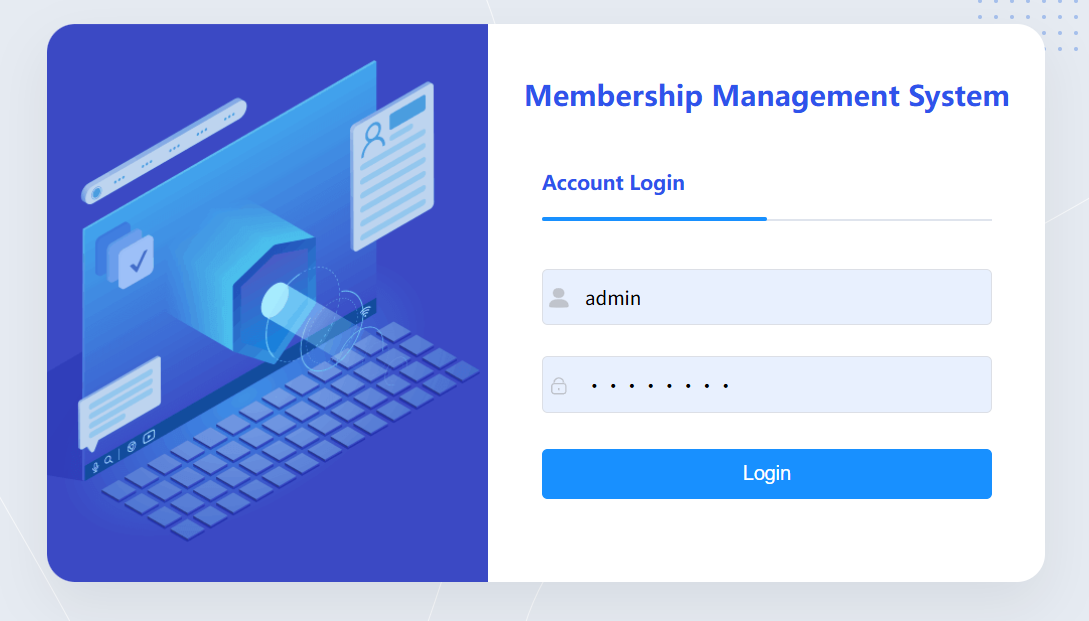
1. Login Screen
Membership Management System account login page for user credential verification to access the portal.
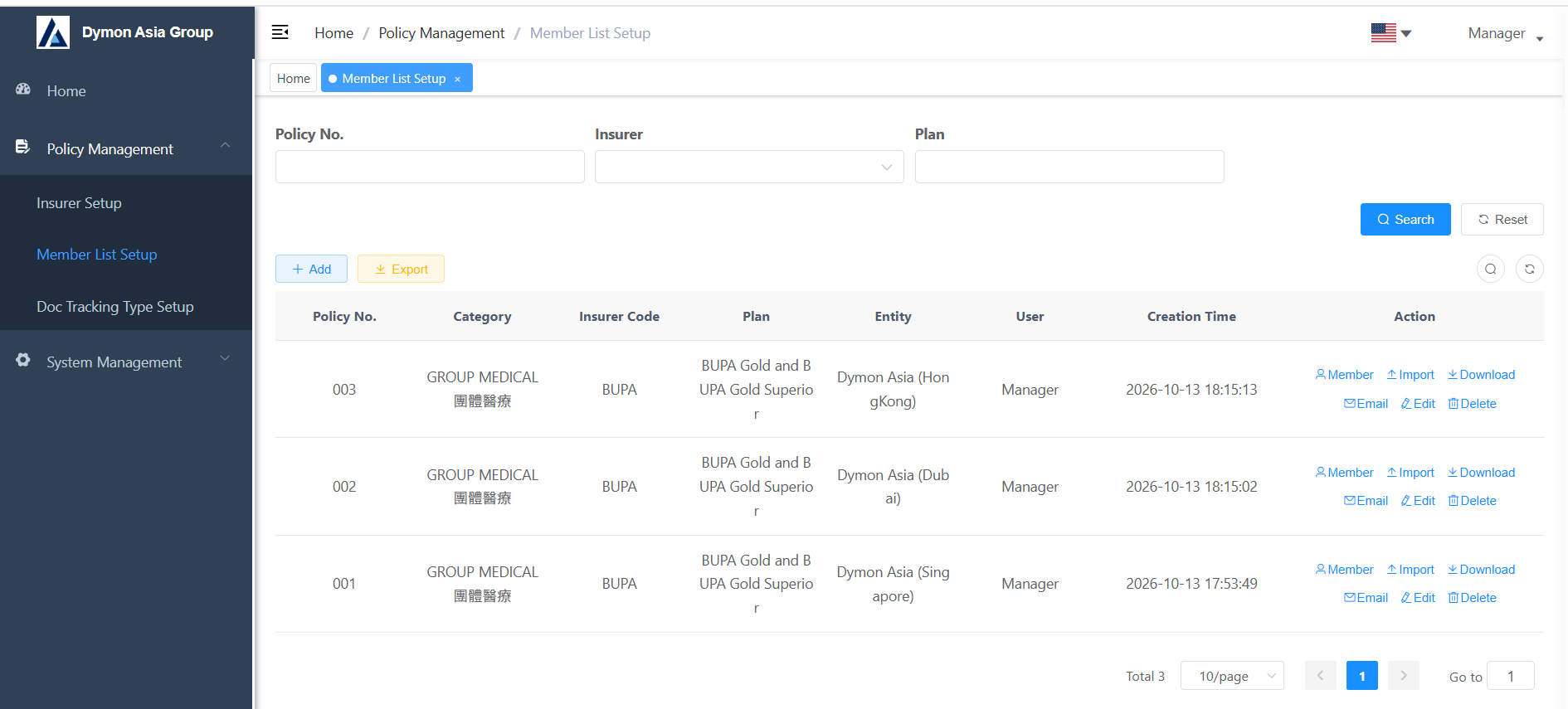
2. Main Screen
Main dashboard for Policy Management and Member List Setup. Users can search policy records, add, export and manage member entries.
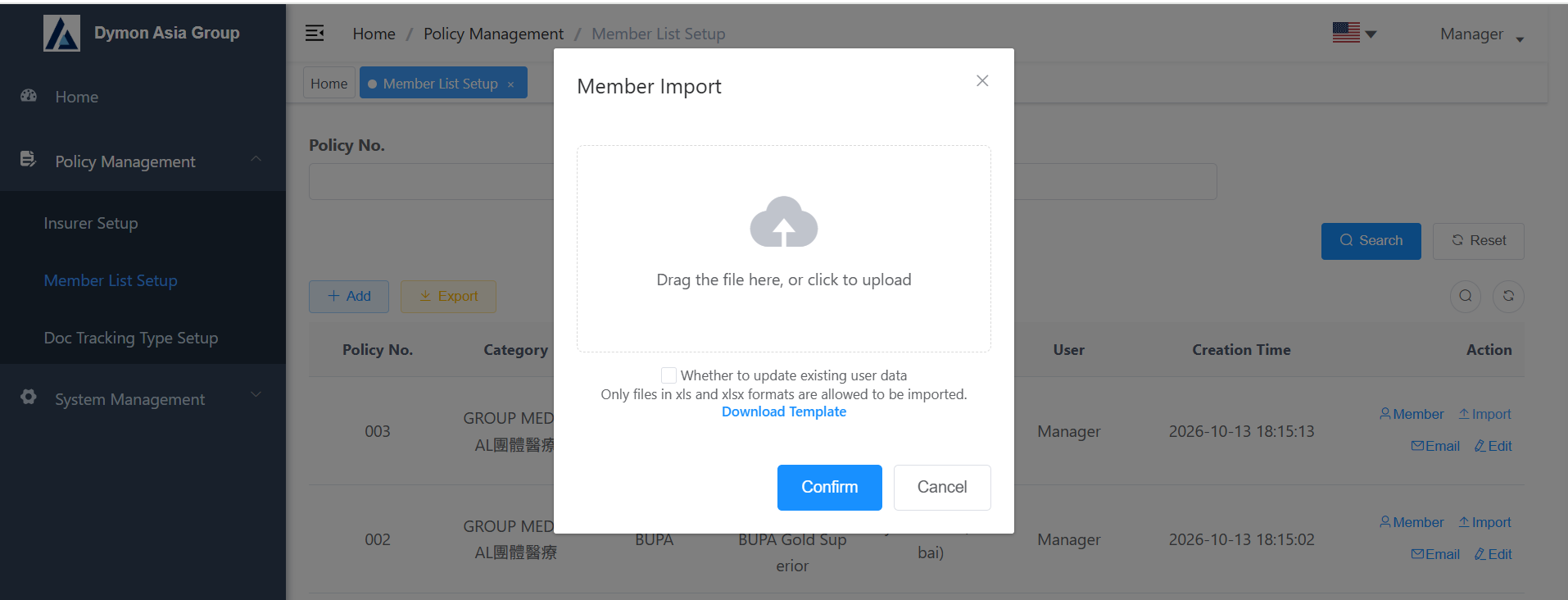
3. Import Screen
Member Import popup: support file upload to import member data, with option to update existing user data. Template download function is available.
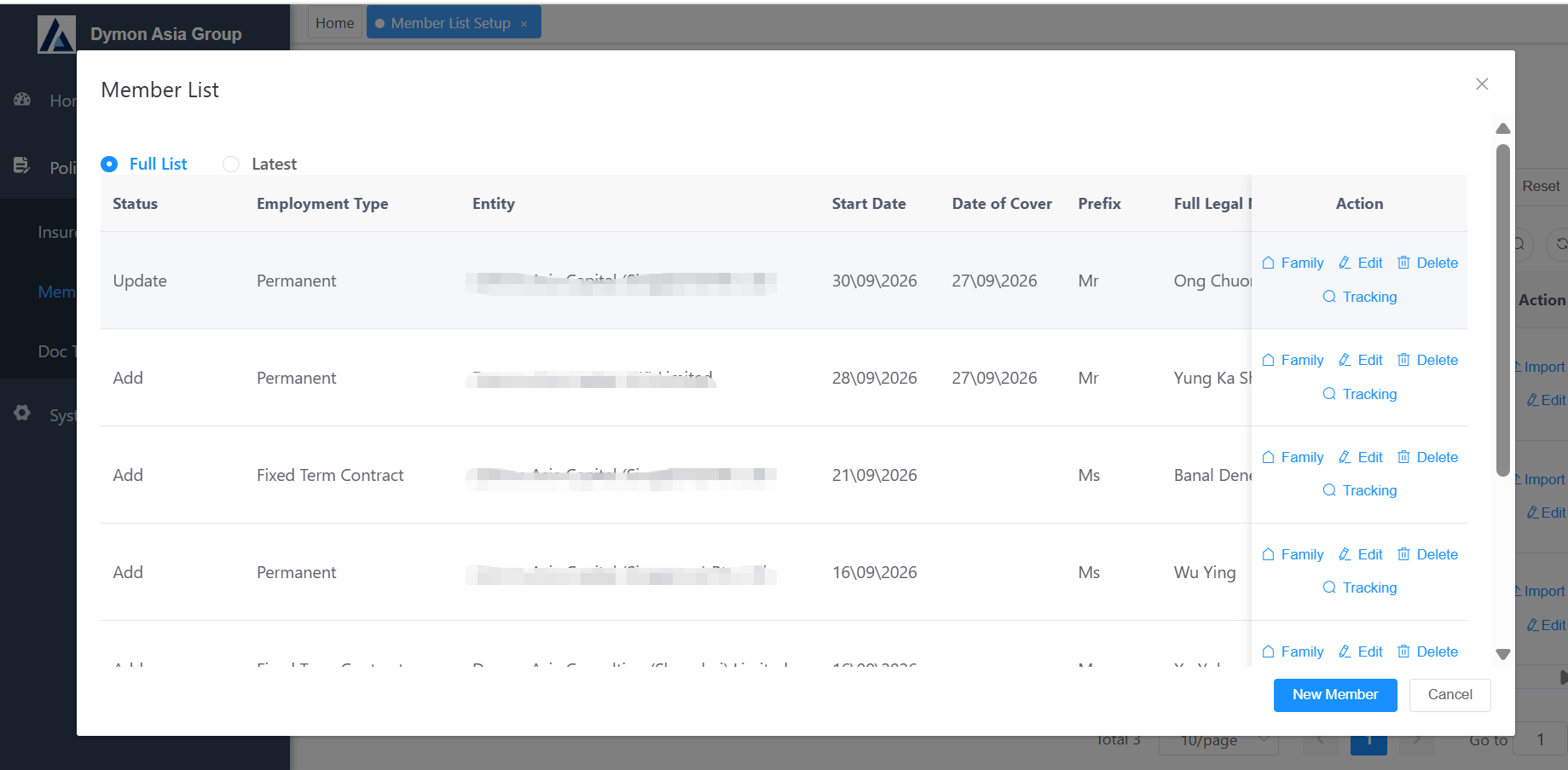
4. Member Update Screen
Member List page for viewing full / latest member records. Support add, update, edit, delete employee information including employment type, start date, cover date and legal name.
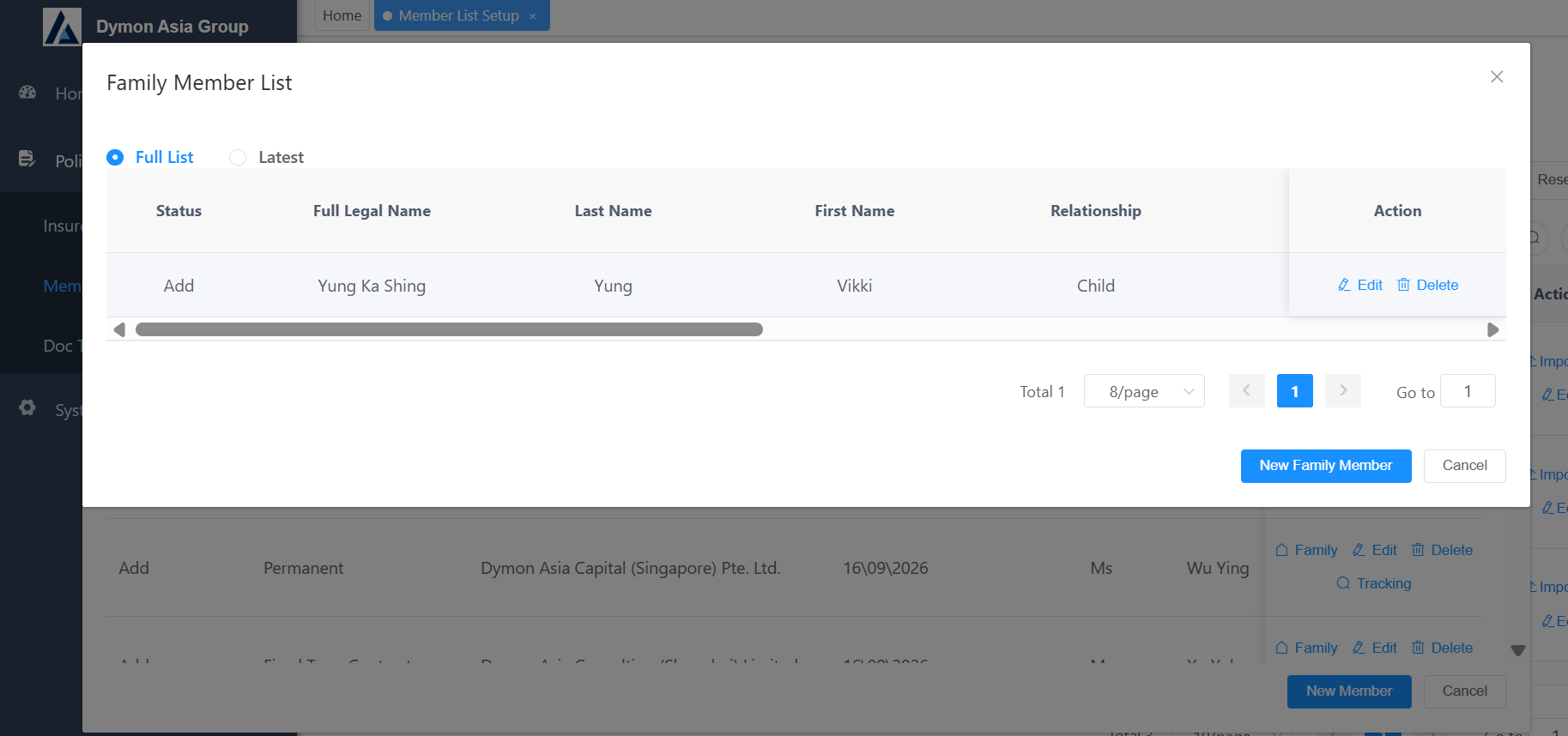
5. Family Member Update Screen
Family Member List management page, maintaining dependent information including full legal name, relationship, supporting add / edit / delete family members.
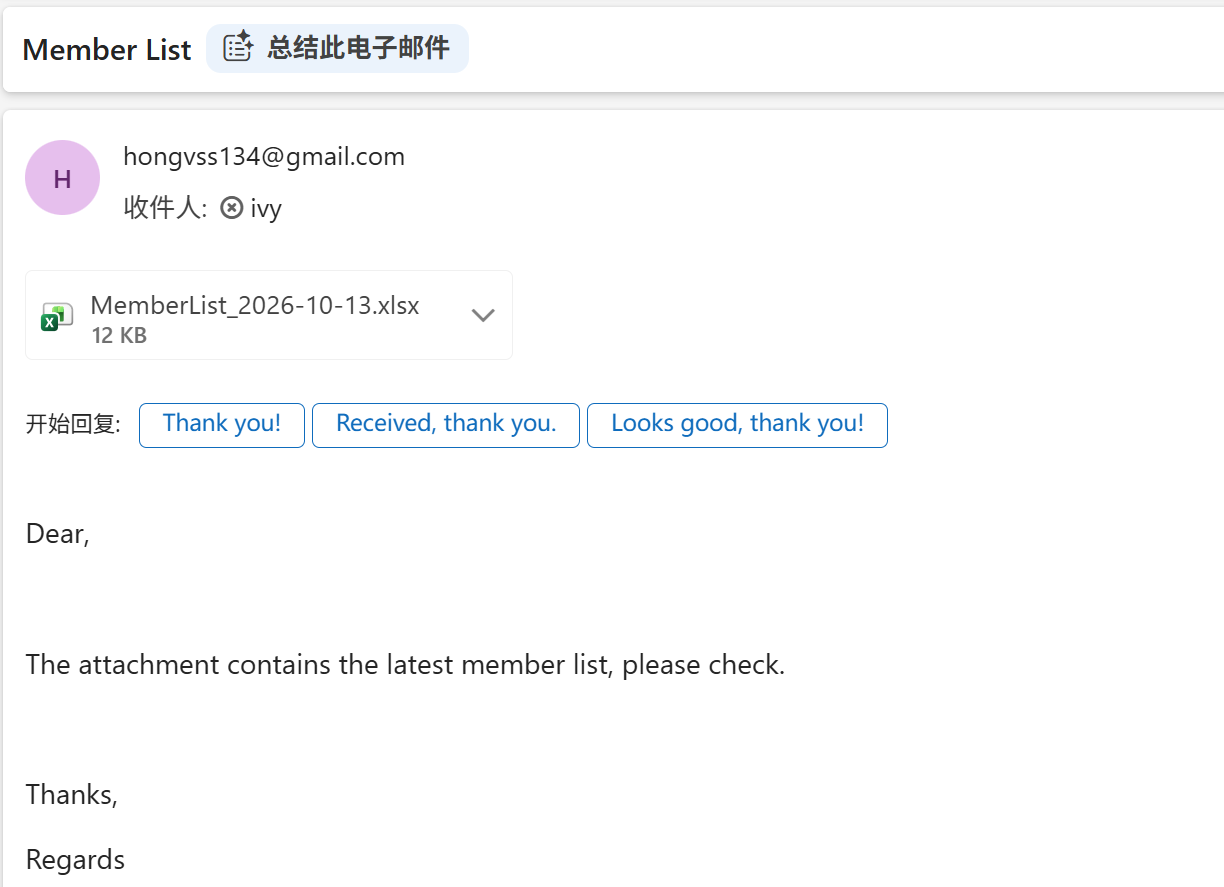
6. Email Received by Insurer Screen
Automatic email delivery to insurer with attached latest member list Excel file after member data changes.
Who is Suitable for This Product?
Corporate insurance intermediaries who offer group medical insurance to large corporates with more than 50 employees.